
Morse Code Image Translator – 3-in-1 Free Live Scanner + Instant Decode
Translate Morse code images into text instantly. Upload screenshots, paste images, or scan with your camera to decode Morse code into English online.
Drop an image here or click to upload
PNG, JPG, WebP — works best on clean, high-contrast Morse
A Morse Code Image Translator is a tool that converts Morse code symbols found in images, screenshots, photos, and scanned documents into readable text. Instead of manually identifying dots and dashes, you can upload an image, paste a screenshot, or scan Morse code using your camera to automatically decode the message within seconds.
Whether you are solving a puzzle, analyzing a historical document, decoding an emergency signal, or simply learning Morse code, an image-based Morse code translator helps you turn visual Morse patterns into plain English text quickly and accurately. The tool uses image recognition and pattern detection to identify Morse symbols and convert them into meaningful characters.
Key Takeaways
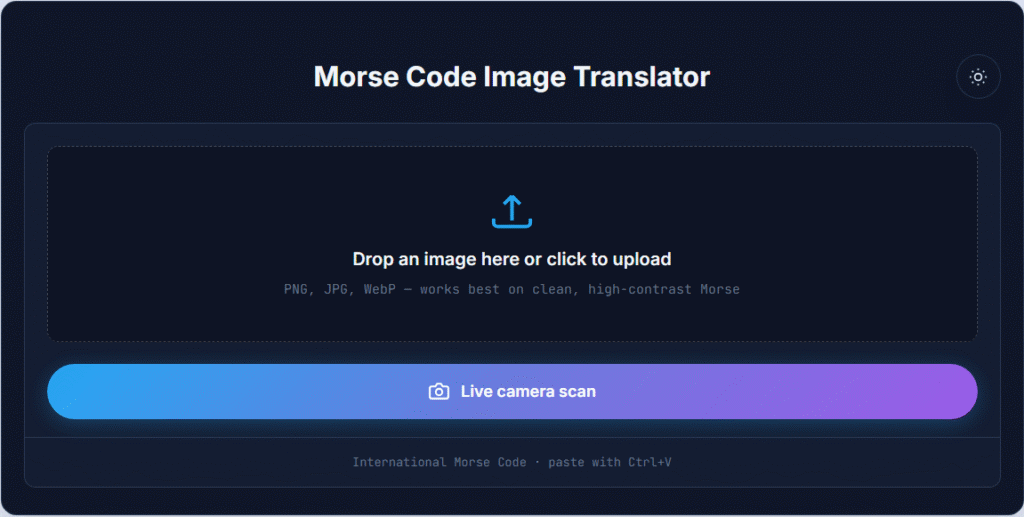
Need to convert a Morse code image into readable text? Our Morse Code Image Translator makes the process simple. Upload an image containing Morse symbols, and the tool automatically detects dots, dashes, spacing patterns, and character separations to generate a text translation.
Unlike manual decoding methods, which require knowledge of the Morse alphabet, this tool handles the recognition process for you. It works with screenshots, photographs, scanned documents, and digital images, making it useful for students, hobbyists, educators, amateur radio enthusiasts, and puzzle solvers.
If you need to convert typed Morse messages, you can also use our Morse Code Translator to translate Morse code to text and vice versa.
Using the tool requires only a few simple steps.
Upload a Morse Code Image
Click the upload area and select an image from your device. The tool supports common image formats such as PNG, JPG, JPEG, and WEBP. Once uploaded, the image is processed automatically to detect Morse code symbols.
This option works well for saved screenshots, scanned documents, downloaded images, and photos containing Morse code.
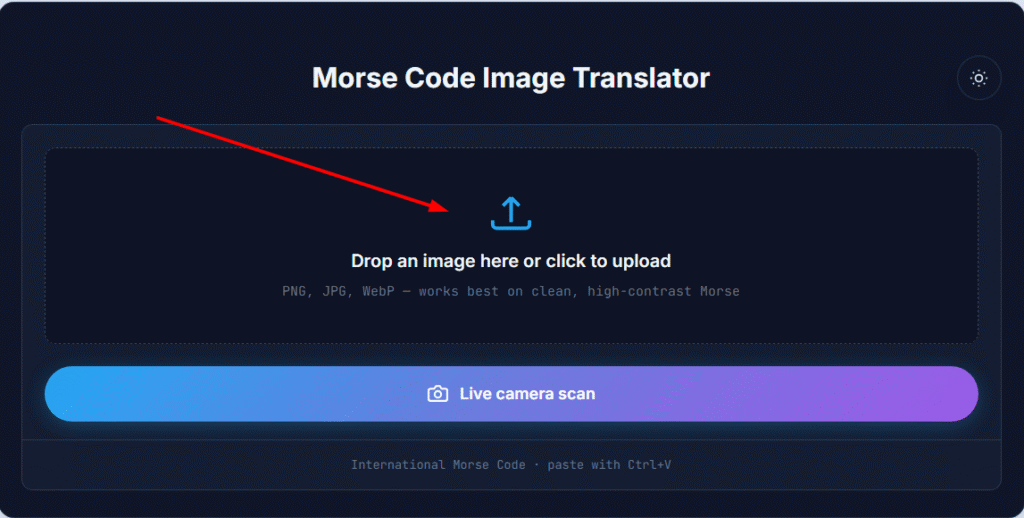
Paste a Screenshot or Insert an Image
If you already have a screenshot copied to your clipboard, simply press Ctrl + V (or paste on mobile-supported devices). The image will be inserted instantly without requiring a separate upload.
This feature is particularly useful when decoding Morse code from online puzzles, social media posts, educational resources, or screenshots shared through messaging apps.
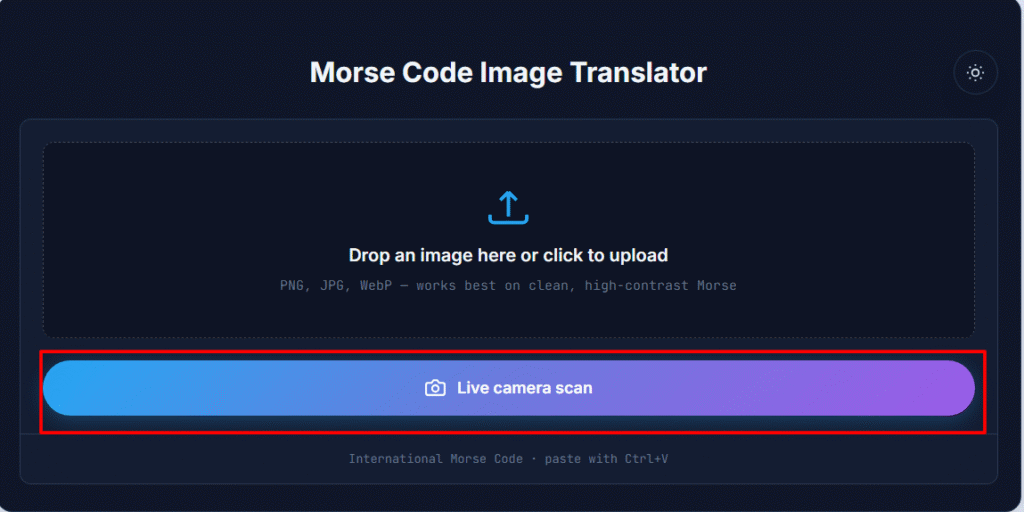
Scan Morse Code with Your Camera
For real-time decoding, you can use your device camera to scan Morse code directly. Point the camera at the Morse code image and allow the tool to capture and process the symbols.
If your Morse message is delivered through sound rather than an image, try our Morse Code Audio Translator for audio-based decoding.
How the Morse Code Image Translator Works
One of the most common searches related to this topic is “Morse code image translator to English.” This tool is specifically designed to convert Morse symbols into readable English text automatically.
The system analyzes visual patterns, separates dots and dashes, maps them to the International Morse Code standard, and produces a text output that can be copied, shared, or saved.
This eliminates the need to manually compare symbols against a Morse chart and significantly reduces decoding time, especially when working with long messages or complex image-based content.
If you want to learn how Morse symbols correspond to letters and numbers, visit our Morse Code Translator for additional examples and reference material.
Example Morse Code Image Translation
See how a Morse code image is converted into readable text using the translator.
Morse Code | Translation |
|---|---|
| HELLO |
When you upload an image containing this Morse code pattern, the translator automatically recognizes the symbols and converts them into the word HELLO.
Our Morse Code Image Translator is designed to make decoding as simple and accurate as possible. Whether you’re working with a screenshot, photo, or scanned document, the tool includes several features that help improve usability and recognition accuracy.
Drag-and-Drop Uploads
Instead of browsing through folders, simply drag your image into the upload area. The tool immediately detects the file and begins processing it.
This is especially useful when working with multiple Morse code images or screenshots.
Paste Images Directly from Your Clipboard
Many users discover Morse code in screenshots rather than saved image files. To speed up the process, you can paste images directly into the tool using Ctrl + V.
This removes unnecessary steps and allows you to translate Morse code images more efficiently.
Live Camera Scanning
The built-in camera scanning feature allows you to capture Morse code from printed materials, books, posters, classroom projects, and physical documents.
Instead of taking a photo first, you can scan and decode Morse code in real time.
Fast Browser-Based Processing
The tool operates directly within your browser, allowing quick analysis without requiring software installation.
Browser-based processing helps provide a smoother experience while making Morse code translation accessible from desktops, tablets, and mobile devices.
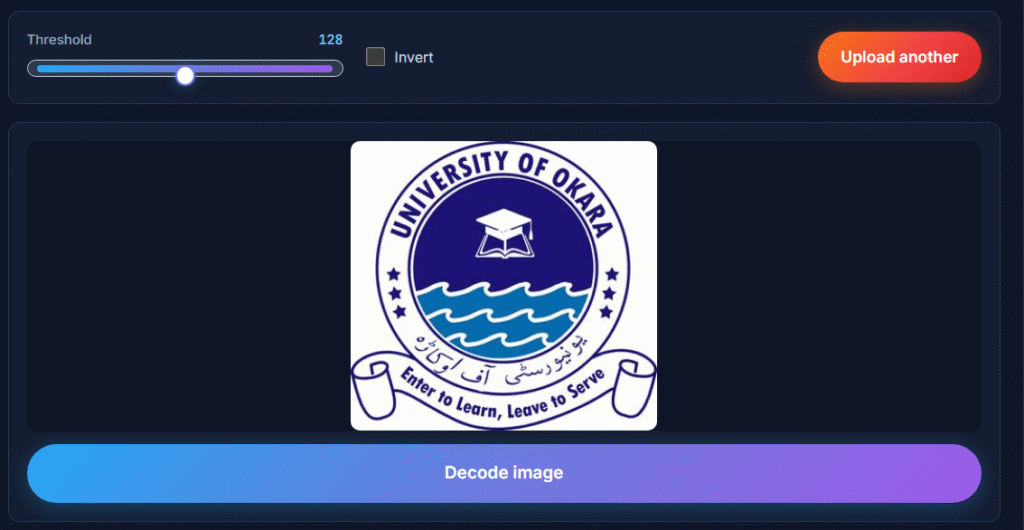
Supports PNG, JPG, JPEG, and WEBP
Image compatibility is important when decoding Morse code from different sources.
Our translator supports:
- PNG
- JPG
- JPEG
- WEBP
This flexibility allows you to upload screenshots, downloaded images, scanned documents, and photos without worrying about file conversion.
Why This Matters
When you upload a Morse code image, the translator doesn’t simply read the picture like a person would. It uses image recognition technology to identify Morse code patterns, separate dots and dashes, and convert those symbols into readable text.
Modern Morse code image recognition systems analyze the structure of each symbol, measure spacing between characters, and compare the detected patterns against the International Morse Code standard. This process helps transform visual Morse code into accurate English text within seconds.
H3: How OCR Helps Decode Morse Code Images
Optical Character Recognition (OCR) is commonly used to extract information from images. While traditional OCR is designed to recognize letters and numbers, Morse code image translators use similar recognition techniques to detect dots, dashes, and spacing patterns.
The system scans the image, identifies Morse code symbols, and maps them to their corresponding letters, numbers, or punctuation marks.
How Dots and Dashes Are Detected
Every Morse code character is made up of a unique combination of dots and dashes. Image recognition technology examines the visual elements in the image and determines whether each symbol represents a dot, a dash, a character separator, or a word separator.
Accurate detection is especially important because a small spacing difference can completely change the meaning of a Morse code message.
Why Image Quality Affects Translation Accuracy
High-quality images generally produce better decoding results. Clear screenshots, sharp photographs, and high-resolution scans make it easier for the recognition engine to identify Morse symbols correctly.
Blurry images, low contrast backgrounds, and compressed screenshots can reduce accuracy because the system may struggle to distinguish between dots and dashes.
The Importance of Morse Code Spacing
Spacing is one of the most important parts of Morse code translation. The translator must recognize:
Proper spacing allows the system to accurately reconstruct the original message and convert it into readable English text.
Not all Morse code appears in the same format. Some users work with screenshots, while others may have photographs, educational worksheets, scanned documents, or saved images.
The Morse Code Image Translator is designed to recognize Morse patterns across different image types while maintaining accuracy.
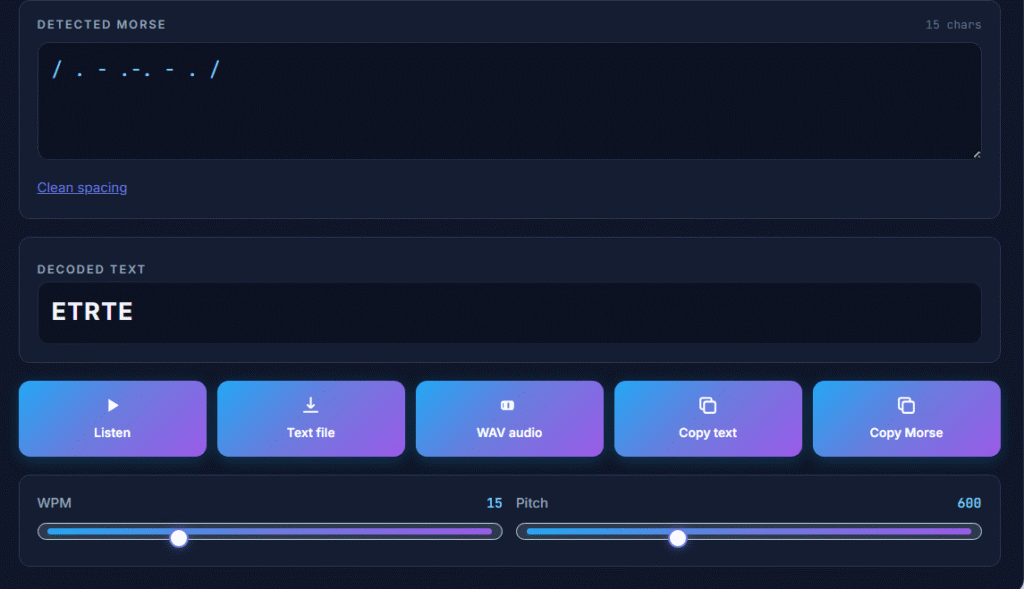
Can I Translate Morse Code from a PDF or Screenshot?
Yes. If your PDF contains a Morse code image, you can take a screenshot and upload it directly into the translator.
Screenshots are one of the most common sources of Morse code online. Whether the image comes from a puzzle website, educational platform, social media post, or messaging application, the tool can help extract and decode the Morse symbols.
This makes it useful for anyone looking for a Morse code screenshot translator or a Morse code picture-to-text converter.
Although modern image recognition technology is highly effective, certain image quality issues can reduce decoding accuracy.
Understanding these issues can help you achieve better results.
Blurry Images
Blurry images make it difficult for the recognition engine to distinguish between dots and dashes.
If possible, upload a sharper image or retake the photo with better focus.
Poor Contrast
Morse code symbols should stand out clearly against the background.
Low contrast can cause recognition errors because dots and dashes may blend into surrounding elements.
For best results, use images with dark symbols on a light background or light symbols on a dark background.
Incomplete Morse Symbols
If parts of the Morse code are cut off, cropped, or hidden, the translator may not be able to determine the correct characters.
Ensure the entire Morse sequence is visible before uploading the image.
Low-Resolution Screenshots
Compressed or low-resolution screenshots may lose important visual details.
When possible, capture screenshots at their original resolution to improve detection accuracy.
To achieve the most accurate results, follow these simple recommendations:
Following these best practices can significantly improve image recognition and translation accuracy.
Morse code continues to appear in educational materials, puzzles, games, historical archives, and communication projects.
Decode SOS Morse Code
One of the most recognized Morse code signals is SOS Morse Code
Students, researchers, and puzzle enthusiasts often encounter SOS hidden within images and screenshots. A Morse code image translator can quickly identify and decode this well-known distress signal.
Decode Common Morse Code Words
Many users upload images containing short words, abbreviations, and practice exercises.
You can explore additional examples through our guide to common Morse code words which helps learners recognize frequently used Morse patterns.
Decode Greetings and Messages
Simple greetings are often used when learning Morse code.
Popular examples include:
These examples provide useful practice for understanding how Morse symbols map to real words and phrases.
Related Morse Code Resources
Explore these helpful Morse code guides and tools:
- SOS Morse Code
- Common Morse Code Words
- Hello in Morse Code
- Hi in Morse Code
- Yes in Morse Code
- I Love You in Morse Code
- I Miss you in Morse Code
- No in Morse Code
- Happy Birthday in Morse Code
- Be Safe in Morse Code
- Help in Morse Code
- Good Morning in Morse Code
- Good bye in Morse Code
- Morse Code Guide
These resources can help you learn Morse code, practice common words and phrases, and convert Morse code from text, audio, or images.
A Morse Code Image Translator is useful anytime Morse symbols appear in a visual format rather than as typed text. Instead of manually identifying every dot and dash, the tool automatically detects the symbols and converts them into readable text.
Common situations where this tool is helpful include:
Because the translator works with uploaded images, screenshots, and camera scans, it can save significant time compared to manual decoding methods.
Many users search for “Morse Code Image Translator and Google Translate” when looking for a way to decode Morse symbols. While Google Translate supports many languages, it is not designed specifically for visual Morse code recognition.
The table below highlights the differences.
Feature | Morse Code Image Translator | Google Translate |
|---|---|---|
Morse Code Recognition | Yes | Limited |
Image-Based Morse Detection | Yes | Not Specialized |
Screenshot Translation | Yes | Limited |
Camera Scanning | Yes | General OCR Only |
Morse Symbol Recognition | Yes | No Dedicated Support |
Morse-to-English Conversion | Yes | Limited |
Designed for Morse Code | Yes | No |
A dedicated Morse code image translator is specifically built to recognize Morse patterns, making it a better option for decoding Morse symbols from screenshots, photos, and scanned images.
Whether you’re decoding a screenshot, analyzing a puzzle, translating a historical document, or learning Morse code for the first time, a Morse Code Image Translator provides a fast and practical way to convert visual Morse symbols into readable text. Upload an image, paste a screenshot, or scan with your camera to instantly translate Morse code into English, and if you want to explore additional Morse resources, visit our Morse Code Translator or further learning and translation tools.

Steve Johnson
Founder of AllMorseCode.com and creator of educational Morse code resources used by learners worldwide. Specializes in Morse code translation, signal encoding concepts, communication history, and practical learning methods. Publishes in-depth guides, reference materials, and interactive tools that make Morse code simple, accurate, and accessible for students, amateur radio enthusiasts, emergency preparedness learners, and everyday users.